

Part 4: Importing from library catalogues
You can also import citations from other resources such as library catalogues. As with PubMed and HDAS this usually involves finding the record, selecting it, exporting it in a format Endnote can recognise and importing it into your library.
For the Copac catalogue, which provides unified access to the catalogues of some of the largest university research libraries in the UK and Ireland, this works as follows:
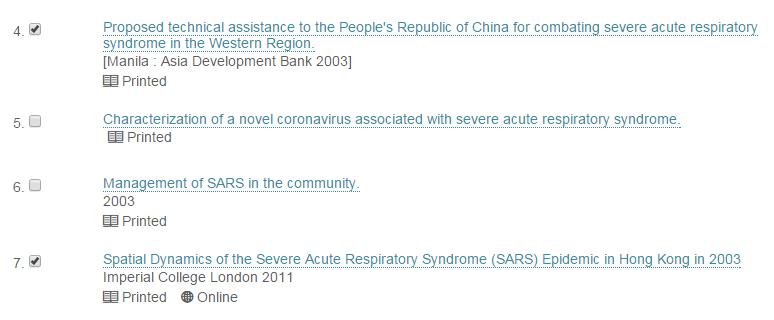
Search for your items and select the ones you wish to import

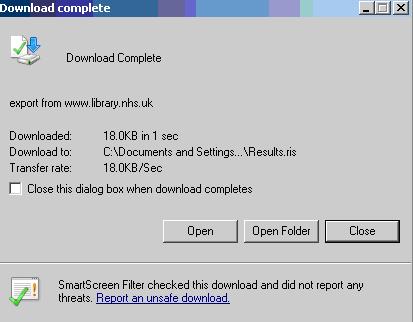
This will download an .ris file. After the file is downloaded open it using the browser or directly by opening the downloaded file.
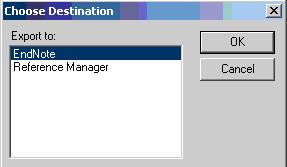
You may be asked to “choose a destination”, if you are select “Endnote. If Endnote is already running this will import the records, if it is not running this will start Endnote and then import the records.
This will add your references to your library
Other library catalogues will have a different layout but usually they will give you an option to “export”, “send to” or “save your results”. Look for the choice of exporting results as an RIS file or select the Endnote option if one is available.