

Part 3: Importing from PubMed
To import search results from PubMed you will need to first run your search and find relevant results (if you need help doing this guidance can be found here).
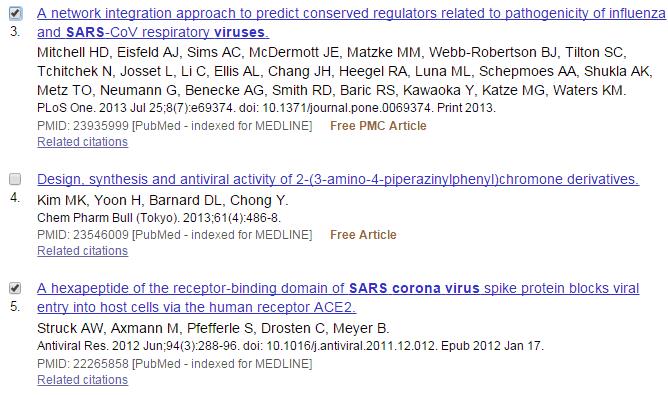
Once you have found your results tick the box next to the articles you wish to import.
At the bottom of the page click “send to” then select “Citation manager”.
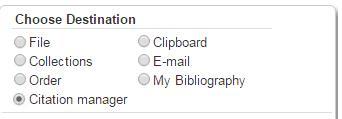
Press “Create file”. This will create a .nbib file, open it to automatically import the citations into Endnote.
Last updated21 Jul 2017