

Part 2: Importing from HDAS
To import search results from HDAS you will need to first run your search and find relevant results (if you need help doing this there is a guide to searching here).
Once you have found your results tick the box next to the articles you wish to import.
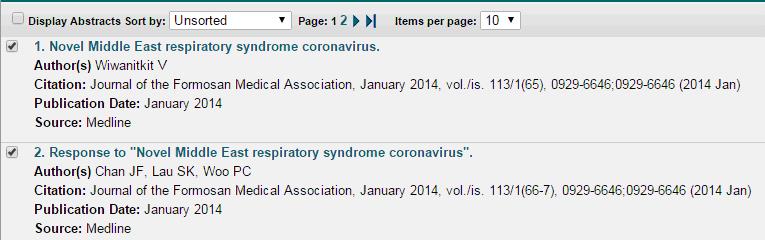
At the bottom of the page select RIS as your output format and then press “save results”

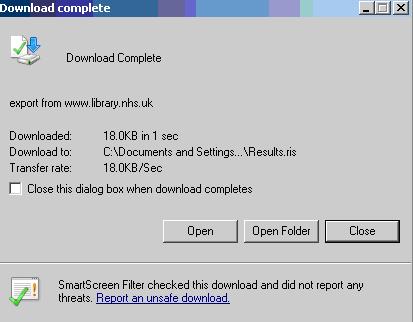
This will download an .ris file. After the file is downloaded open it using the browser or directly by opening the downloaded file.
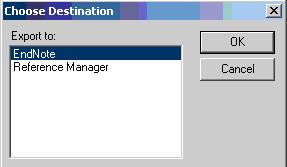
You may be asked to “choose a destination” if you are select “Endnote. If Endnote is already running this will import the records, if it is not running this will start Endnote and then import the records.
 ?
?
This will add your references to your library
Last updated21 Jul 2017